 HearthPDF
The free PDF editor that stays on your PC.
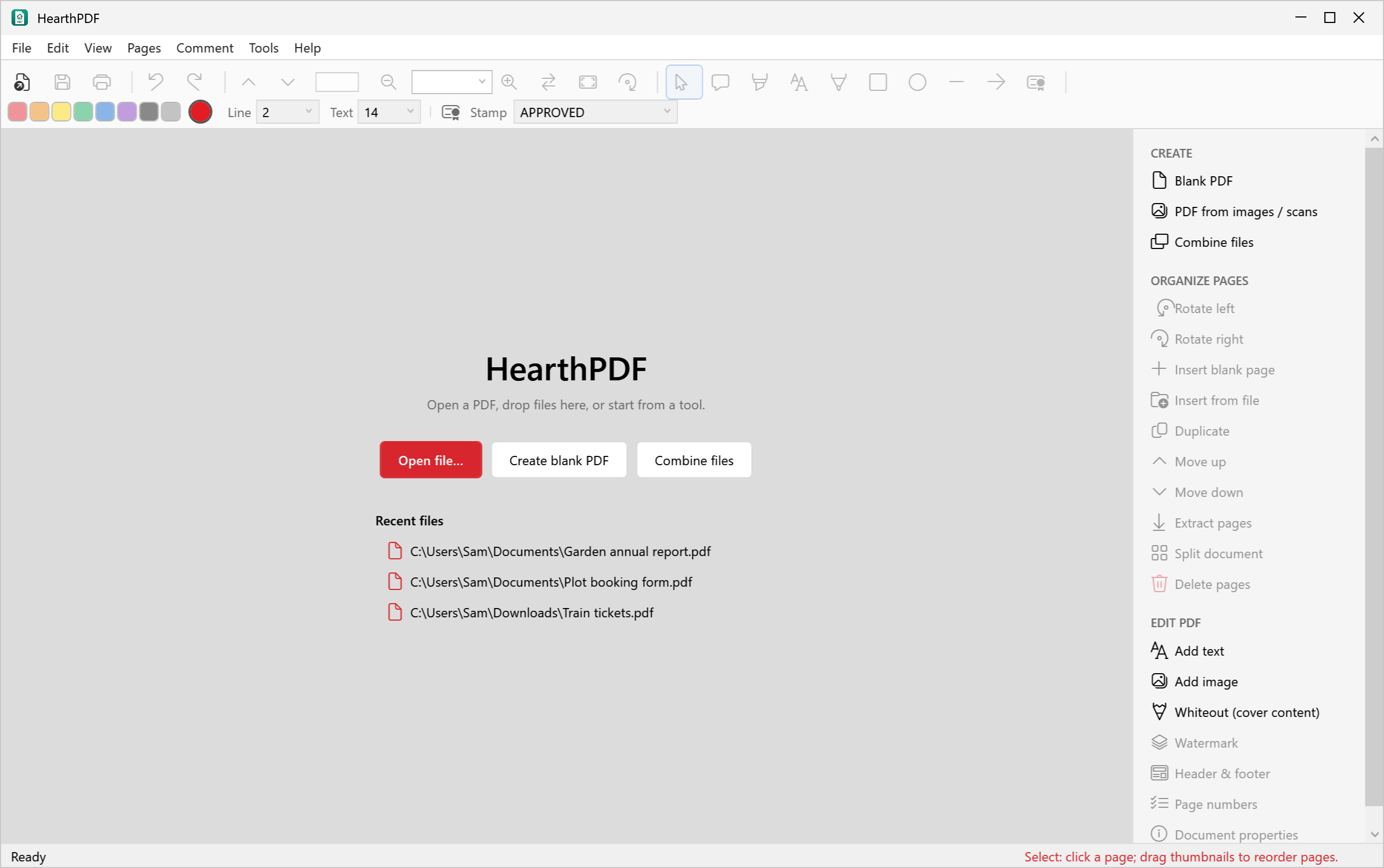
View, edit, comment, organise, combine and create PDFs on Windows. No account, no cloud, no adverts and no tracking. Your documents never leave your computer.
- 100% free, for home and work
- Works offline
- Nothing is uploaded
- Windows 10 & 11
Your files are your business
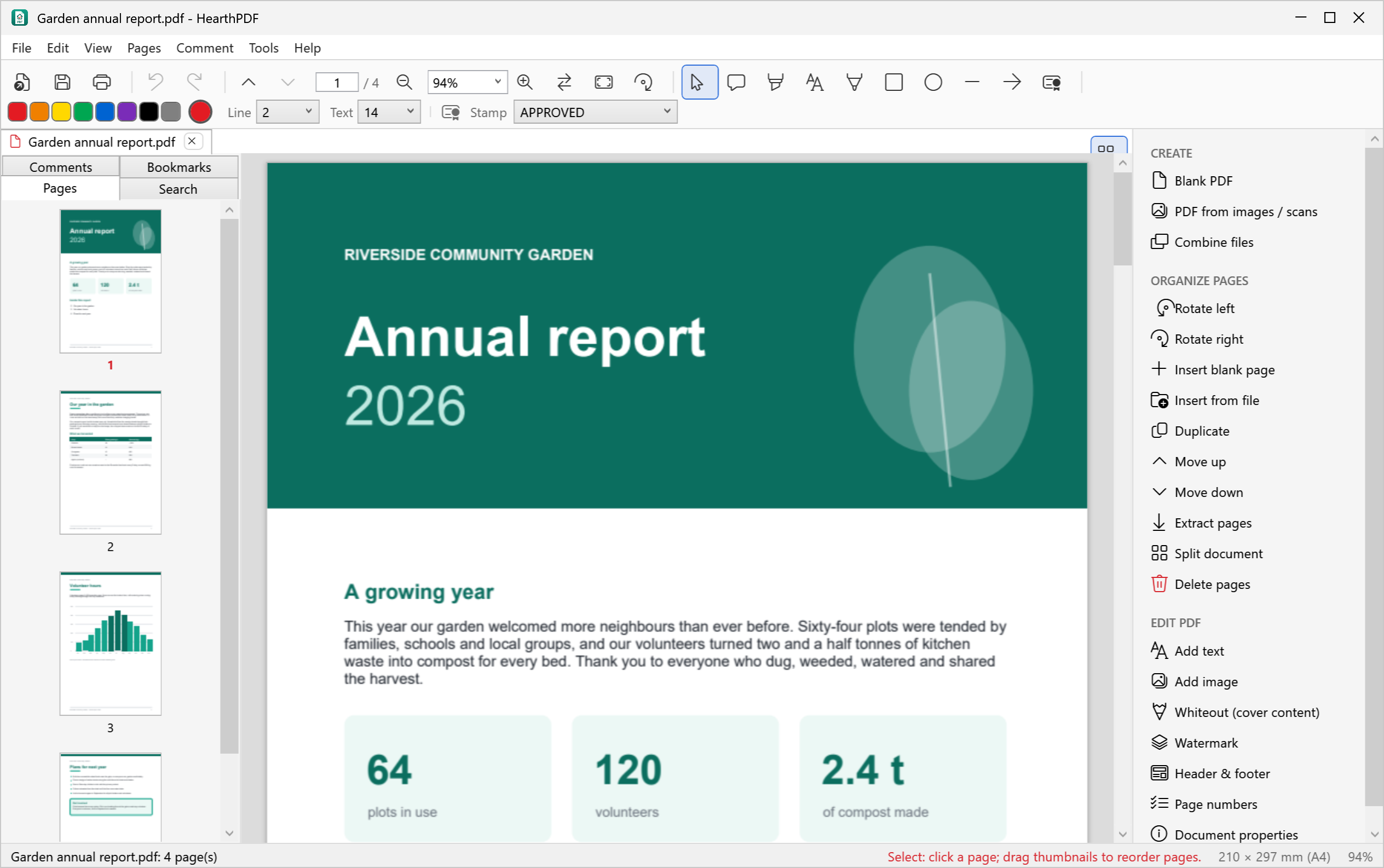
Many “free” PDF tools upload your documents to a website to work on them. HearthPDF does everything on your own computer.
Everything you need for everyday PDFs
The things people actually do with PDFs, in one simple window.
View
- Tabs for several documents
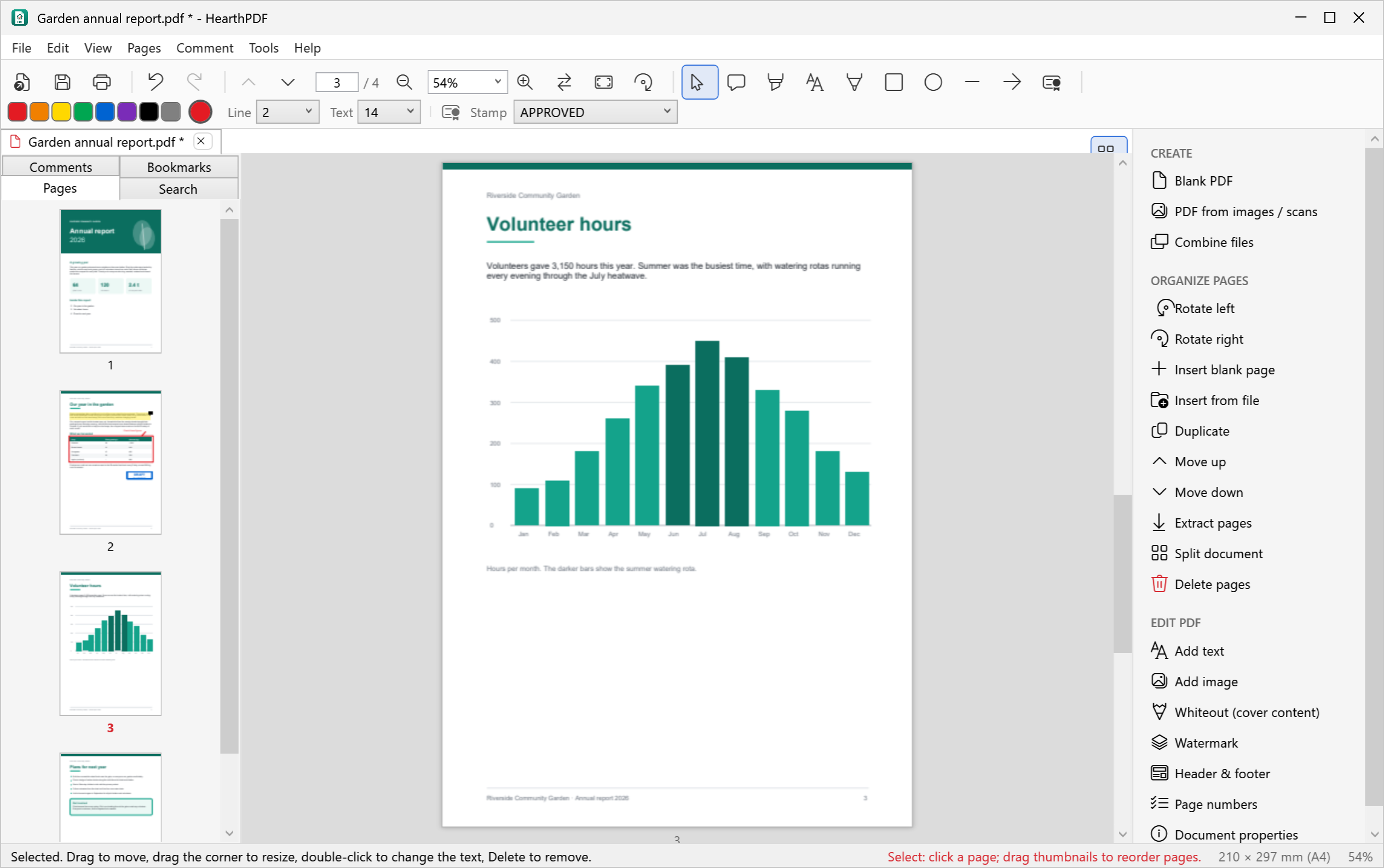
- Smooth scrolling, zoom, fit to width or page
- Page thumbnails and bookmarks
- Search the text, even on rotated pages
- Print, copy page text
Edit
- Add text anywhere, e.g. to fill in a form
- Add images and logos
- Whiteout to cover something up
- Undo and redo every change
- Document title, author and keywords
Comment & mark up
- Sticky notes
- Highlight, underline, strike through
- Rectangles, ellipses, lines, arrows
- Freehand drawing
- Stamps: DRAFT, APPROVED, CONFIDENTIAL…
- Move, resize or delete any of it later
Organise pages
- Drag thumbnails to reorder
- Rotate, delete, duplicate
- Insert blank pages or pages from another PDF
- Extract pages, split a document
- Reverse the order
Create & combine
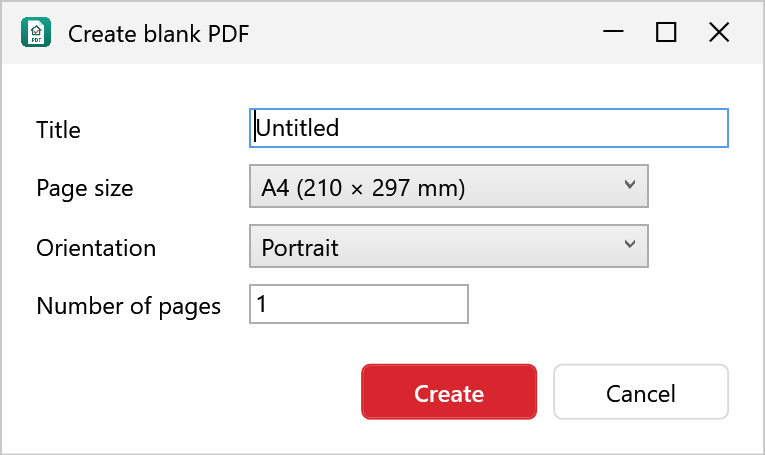
- Blank PDFs in A4, A3, Letter and more
- Turn photos and scans into a PDF
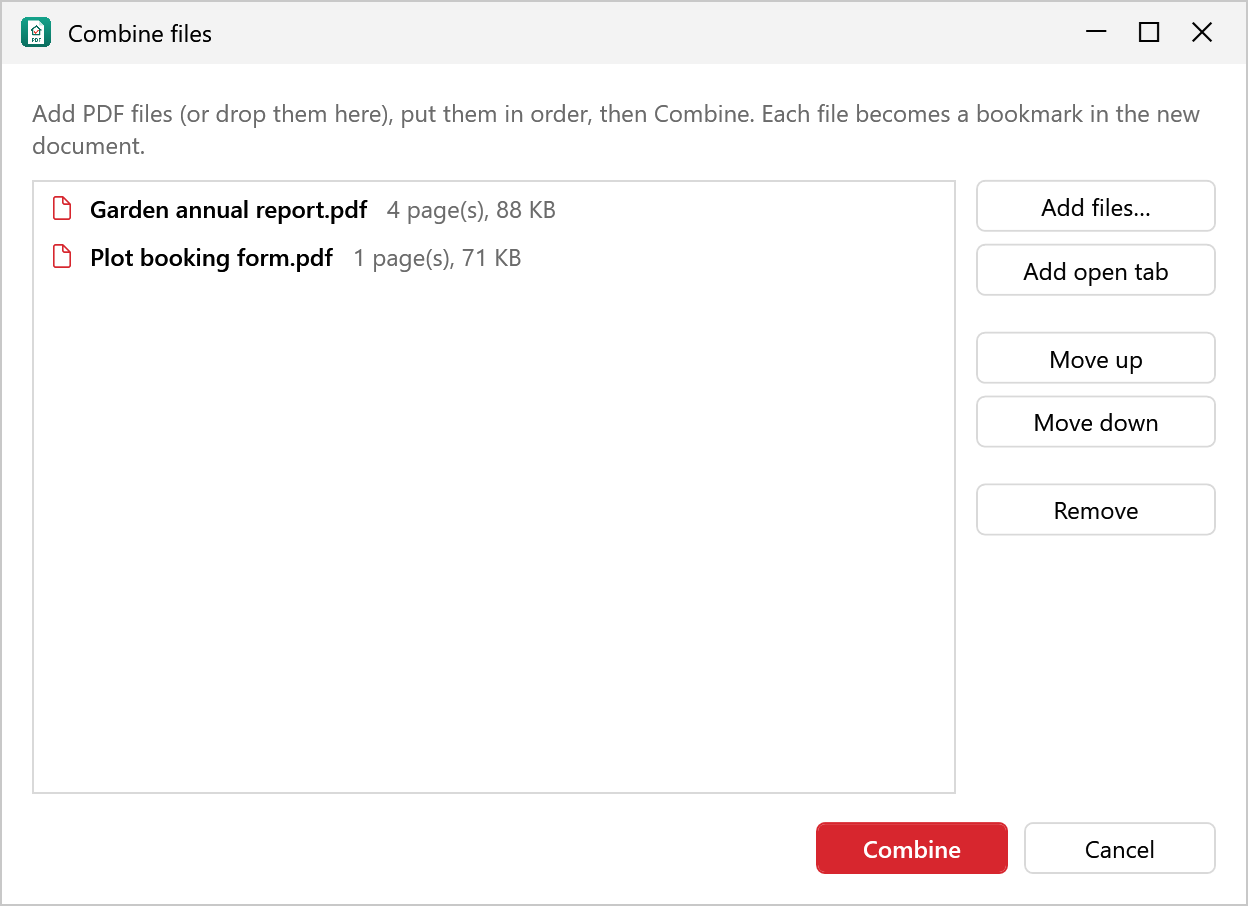
- Combine several PDFs into one, with bookmarks
- Drop files on the window to open them
Finishing touches
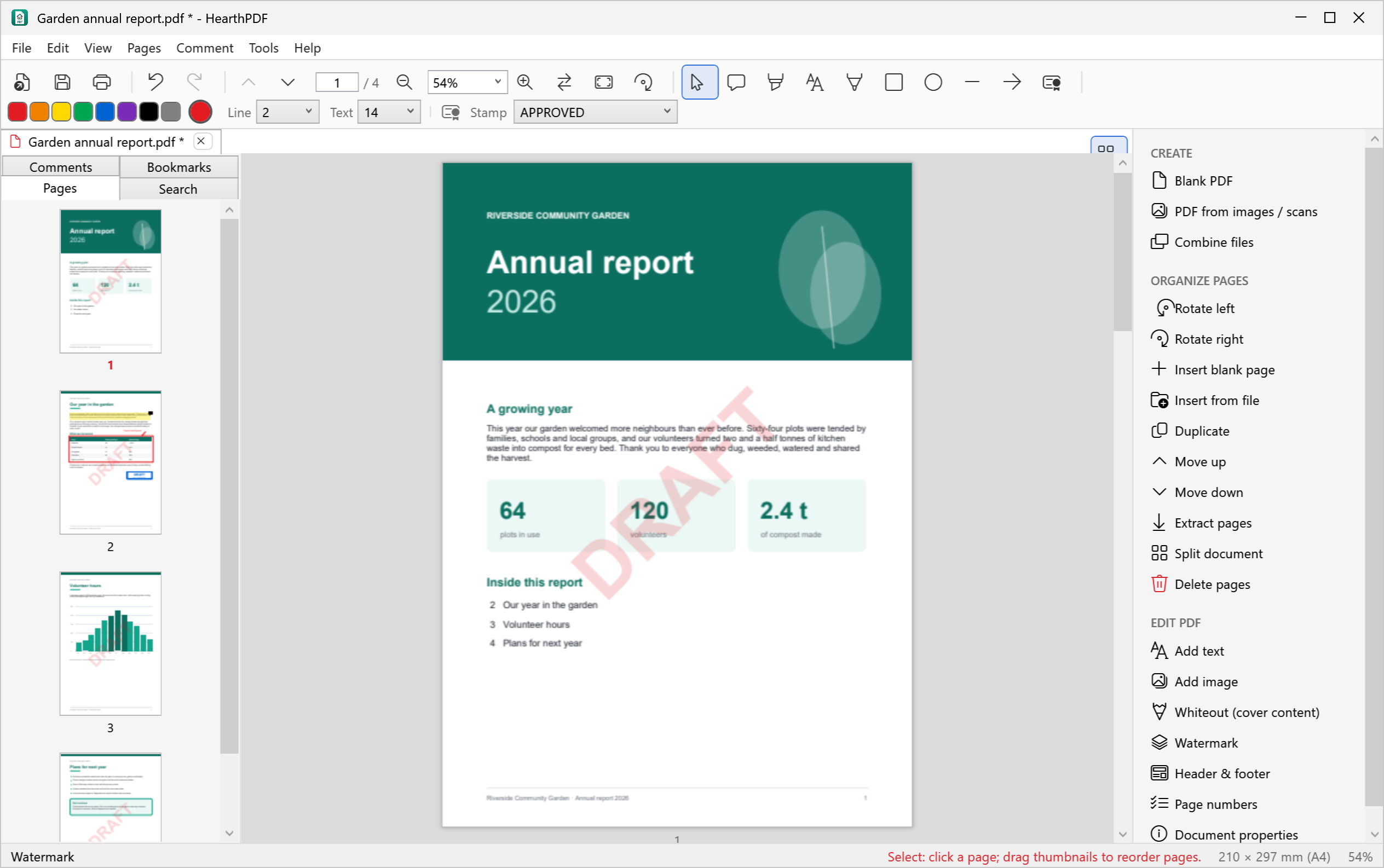
- Watermarks (text, colour, angle, opacity)
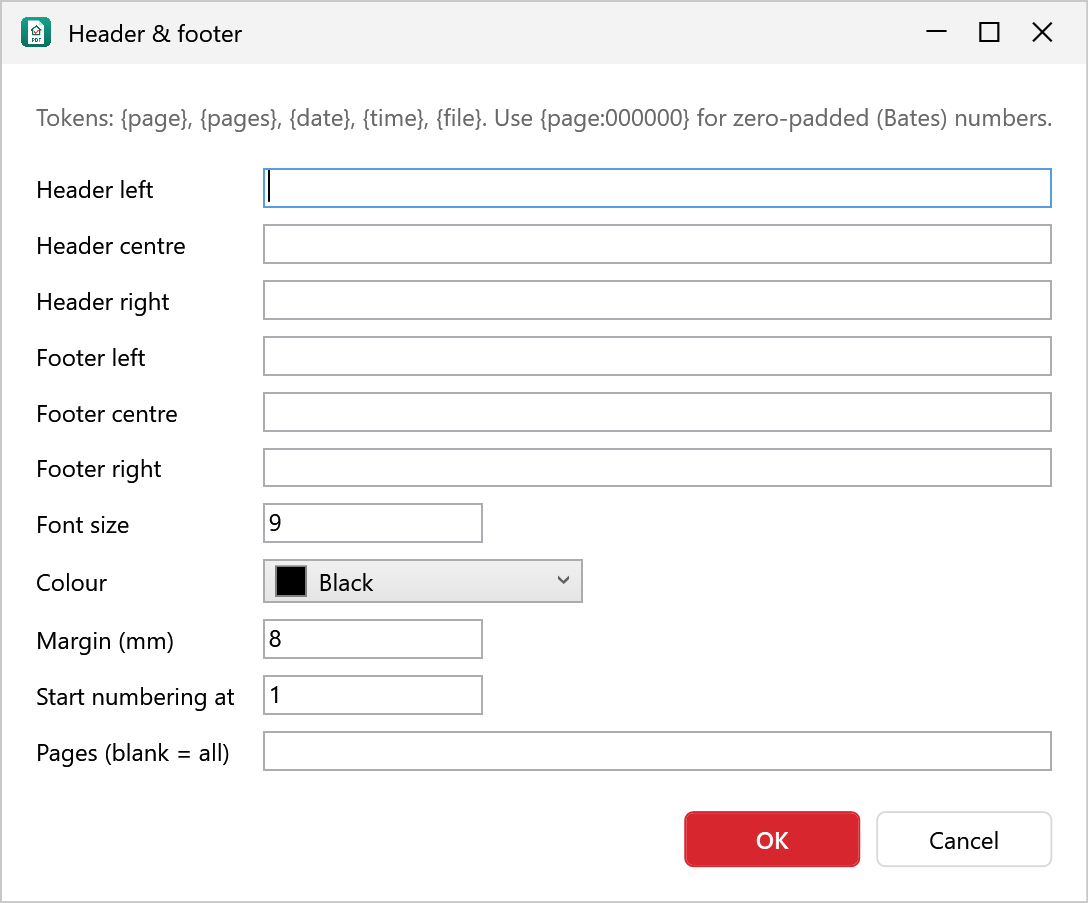
- Headers and footers with dates and file name
- Page numbers (“Page 3 of 12”)
- Bates numbering for legal bundles
Mark it up, then send it back
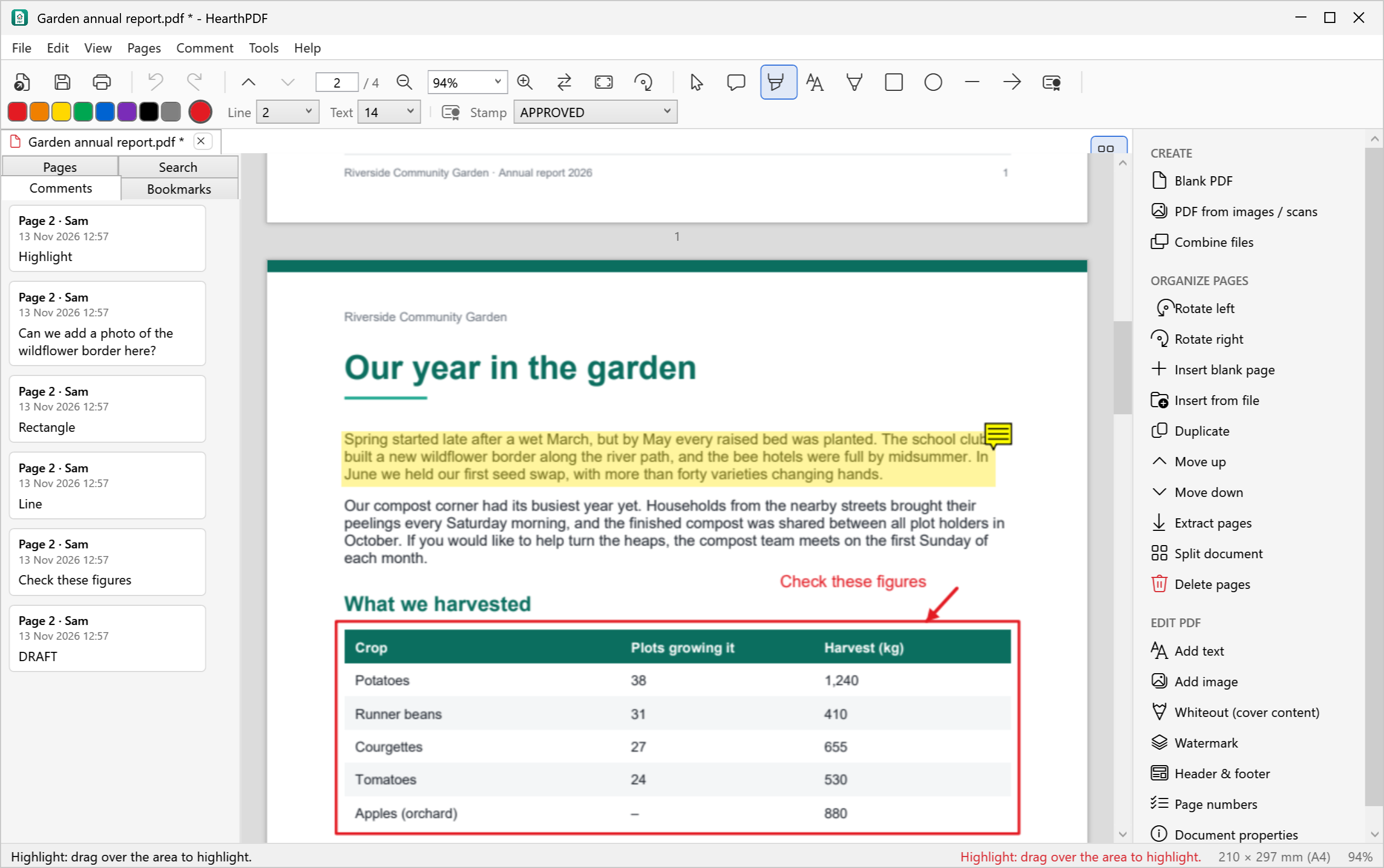
Highlight a paragraph, circle a figure, draw an arrow, add a stamp or leave a sticky note. Changed your mind? Click any mark-up to move it, resize it or delete it. Everything is saved as standard PDF annotations, so other PDF readers show it too.
Every comment is listed in the Comments panel. Double-click one to jump to it.
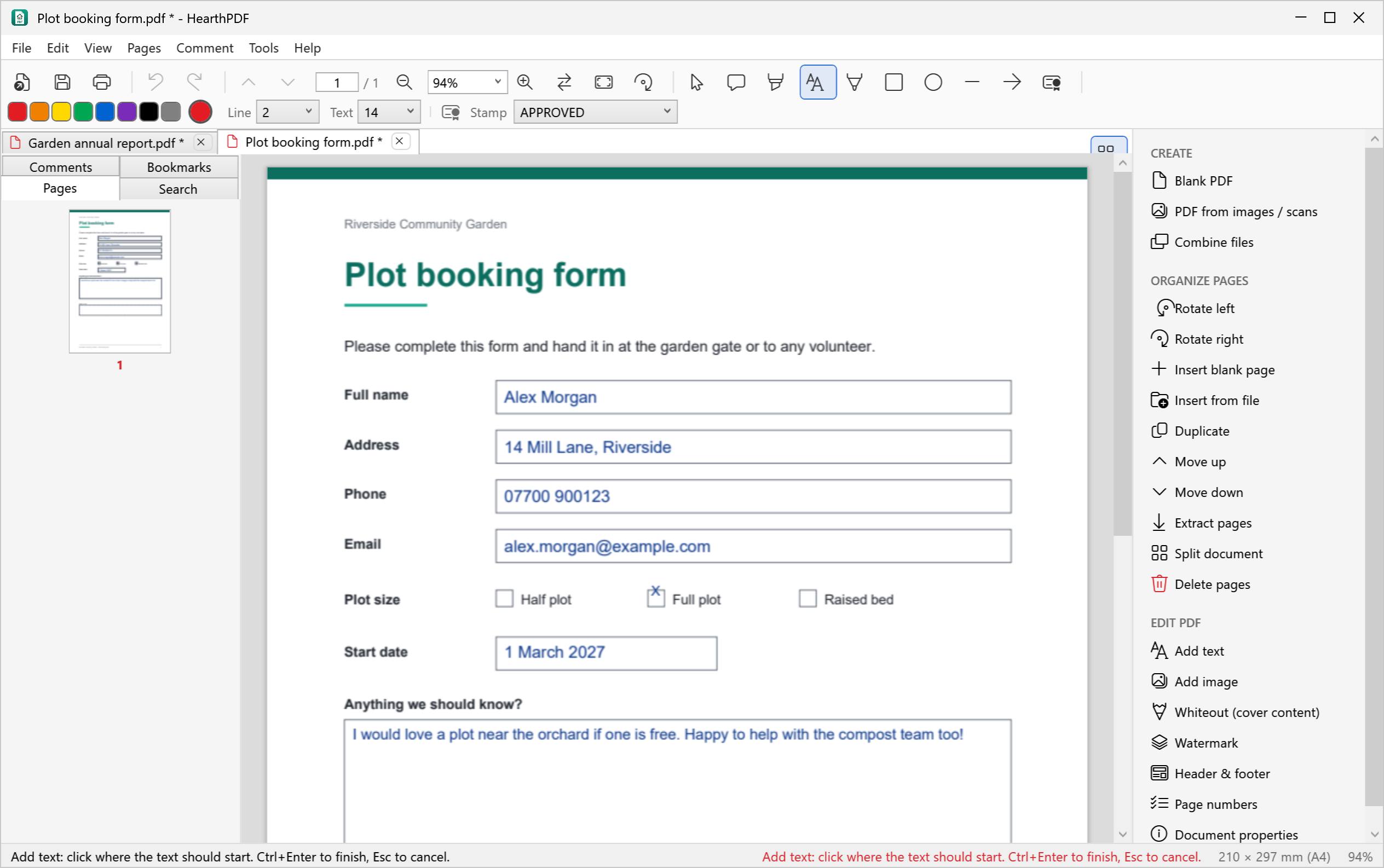
Fill in forms without printing them
Got a form that isn’t fillable? Click Add text, click on the page and type. Put an X in a tick box, then save and email it.
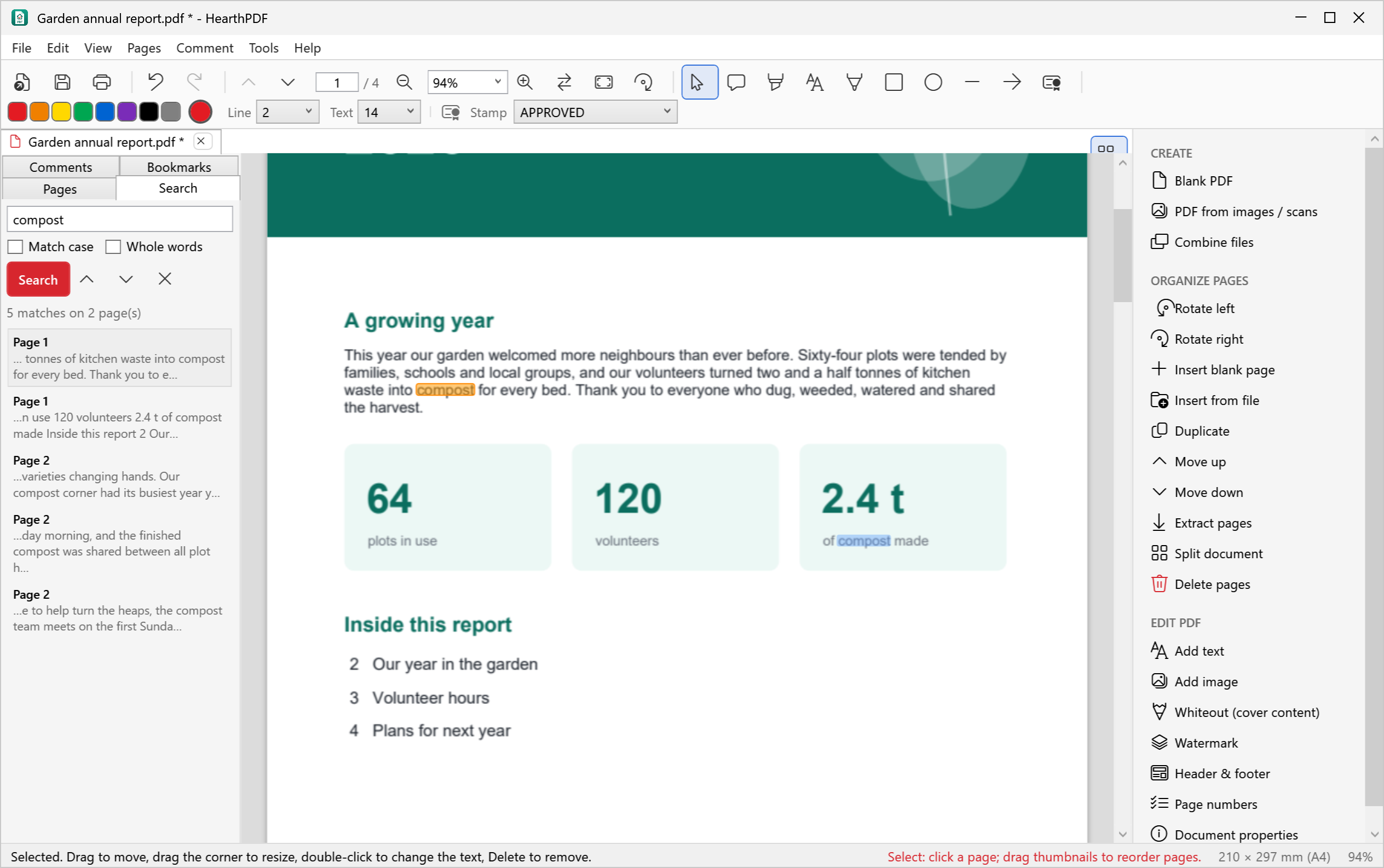
Find anything, fast
Search the whole document and see every match in context. Use the arrows to step through them on the page.
Screenshots
Click any picture to see it full size.
Free, with no catch
HearthPDF has no adverts, no paid version and no tracking, and it never will. If it saves you time or money, a coffee helps keep it going.
☕ Buy me a coffeeQuestions
Is it really free?
Yes. There is no trial, no time limit, no watermark added to your files and no paid upgrade. You can use it at home and at work. Donations are entirely optional.
Does it upload my files?
No. HearthPDF has no online features at all. It opens and saves files on your computer only. The only time anything opens on the internet is when you choose a link in the Help menu (this website or the user guide), and that opens in your own browser.
What does it store on my PC?
Only its own settings: your recent files list (which you can switch off) and your name for comments. Help ▸ Privacy and your data shows exactly what is stored and deletes it in one click. See the privacy page.
Windows says “Windows protected your PC”. Is it safe?
That message appears for new apps that Windows hasn’t seen many times yet. Click More info, then Run anyway. You can check that your download is genuine on the download page.
Can I fill in forms?
Yes: use Add text to type anywhere on the page, which works on any form, including scanned ones.
Does it work on Mac or Linux?
Not at the moment. HearthPDF runs on Windows 10 and Windows 11 (64-bit).
Something doesn’t work. How do I report it?
Please open an issue on GitHub and describe what happened. Please don’t attach private documents.